

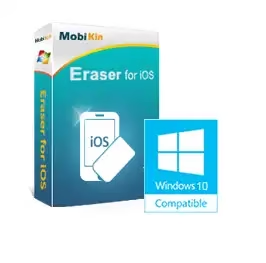
MobiKin Eraser for iOS One of the best eraser programs. This Windows software lets you erase all deleted files, private data, system settings, and other files on iOS devices.
Using this Windows application, you can erase all deleted files, private data, system settings, and other files on iOS devices to protect your privacy and ensure that no one will be able to steal your important information.
When you decide to give your old iDevice to someone else, you will need to delete all the information on it. If you do not do this, there is a high possibility that your personal information, such as bank account numbers and passwords, contact information, chat logs and other information will be leaked. with mobikin Eraser, you can erase all your iOS devices completely and securely. After that you won’t have to worry about the data on your device.

For the program to work, you need to have iTunes installed. The steps are simple to follow. When the PC detects the connected iOS device, you can delete all its data.
You will be asked to select the security level to delete. There are three options: quick erase, one-cycle deep erase, or two-cycle deep erase. But be careful. No matter which security level you choose, you will not be able to recover deleted data after the process is complete. Therefore, consider your options carefully before starting this process.
Key Features of MobiKin Eraser for iOS:
- With one click, you can erase all the data on your Apple device.
- You can erase contacts, messages, call logs, notes, reminders, calendars, Safari bookmarks, browser history, music, videos, photos, apps, and more.
- Erase your device if there is no possibility of recovery.
- It offers three levels of erasing – low, medium and high – and allows for easy erasing.
- With its advanced technology, it detects and scans links instantly iOS equipment.
- It is compatible with all iOS devices, including the latest models like iPhone 17, iPhone 17 Pro, and iPhone 17 Pro Max.
Get MobiKin Eraser for iOS for free:
download software from https://www.mobikin.com/downloads/
Set up and run the app. Click the “Key” button in the main window.
Then, click on “Register” and fill the information given below.
Email: mobikin@giveawayoftheday.com
License code: 26009E2C038796D0C0D0025220184A20CD407B29C985B702A67A808B

Learn more from Techno360
Subscribe to get the latest posts delivered to your email.

![MobiKin Assistant for iOS Free License Key [Windows] — iTunes Alternative | Free Download](https://www.pluxify.xyz/wp-content/uploads/2026/06/MobiKin-Assistant-for-iOS-Box-Shot.avif.avif)