

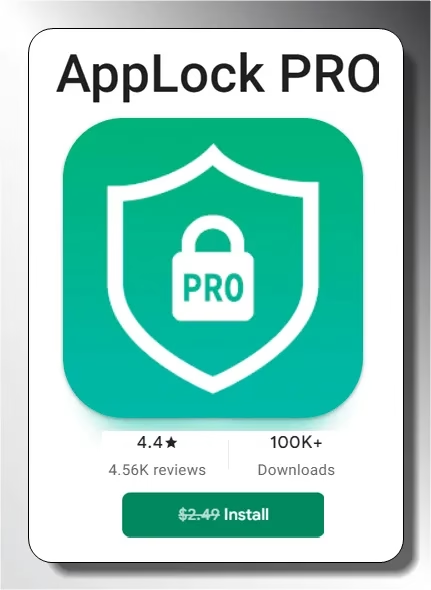
AppLock Pro – Free on Google Play Store!
Protect your apps, photos and private data with fingerprint, PIN and pattern lock. usually the price is $2.49 – take it Free For a limited time.
read quickly
- Application: AppLock PRO by Apps360 Team
- price: Usually $2.49 – currently free
- Rating: 3.8/5 stars (5,790+ reviews)
- download: 1,00,000+ on Google Play
- Last updated: 2 September 2025
- Works on: Android smartphones and tablets
- Best for: Locking apps, hiding photos, parental controls
We all store sensitive personal data on our smartphones – photos, messages, banking apps and login credentials. While phones offer built-in security measures like fingerprints and passcodes, anyone who gets past the lock screen gets access to everything. right here applock pro interfere.
AppLock PRO is a powerful Android security application developed by Apps360 Team Which adds an extra layer of security to your personal apps and files. usually the price is $2.49It is currently available for free on the Google Play Store for a limited time. more than this 1,00,000 downloads and a 3.8-star rating With approximately 5,790 users, it is one of the more reliable app lockers available for Android.
Download AppLock PRO today and protect your privacy and security.

What is AppLock Pro?
AppLock PRO is a comprehensive mobile security app that enhances your privacy by adding a second layer of protection directly to individual apps, settings, and media files. Unlike your phone’s main lock screen, AppLock PRO lets you selectively lock specific apps – so even if someone gets into your device, he can’t access your WhatsApp, Instagram, Gallery or banking apps without your password.
The app supports multiple unlocking methods, including fingerprint, PIN, and pattern lock, giving you flexibility in protecting your data. You can also customize the look of the lock screen and hide the app icon as a calculator for added privacy.

Key Features of AppLock Pro
AppLock PRO offers a variety of features to help protect your privacy and security:
- Three security lock types: Choose between a PIN, pattern, or fingerprint lock to protect your apps and data.
- Individual App Locking: Lock any app – WhatsApp, Facebook, Instagram, Gallery, Settings and more – with a single tap.
- Media Vault: Save your photos and videos in a private, password-protected gallery hidden from your regular gallery.
- Intruder Selfie: AppLock Pro automatically takes a selfie of anyone who fails to unlock a protected app, helping you identify unauthorized access attempts.
- Icon Disguise: Hide the app icon to look like a calculator for incognito and extra security.
- Lock newly installed apps: The lock automatically applies to any new apps installed on your device.
- Customizable Lock Screen: Personalize the lock screen theme to match your style.
Who should use AppLock Pro?
AppLock PRO is particularly useful for:
- Guardian Who share their devices with children and want to restrict access to certain apps or content.
- Pros Those who keep sensitive work-related apps or data on their personal phones.
- Any Who values additional privacy from family members or coworkers who may be using their phone.
How to get free applock pro
The PRO version of AppLock is currently Free on Google Play Store For a limited time. To download it, simply tap the button below from your Android device. The app was last updated 2 September 2025and has accumulated 1,00,000 downloads with a rating of 3.8 stars From 5,790+ user reviews.
Get AppLock Pro Free – Google Play
our decision
applock pro This is a solid choice if you want a reliable second layer of security for your Android device. Its standout features – Intruder Selfie, Media Vault and Icon Disguise – go far beyond what a basic free app locker offers. While the 3.8-star rating suggests room for improvement (some users report occasional lock bypass on reboot), it remains a worthy security tool, especially at the current price Free.
Rating: 3.8/5
Recommended for: Parents, privacy conscious users, shared device owners
price: Free (limited time – usually $2.49)
Learn more from Techno360
Subscribe to get the latest posts delivered to your email.